-
Scroll down to your Map
-
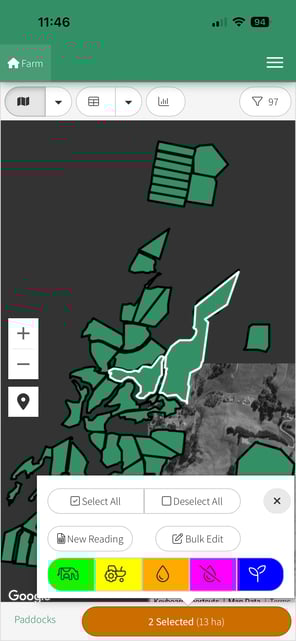
Select your paddock(s)
-
Click on the orange Action Bar at the bottom of the screen and Select the Yellow Harvest Icon
-
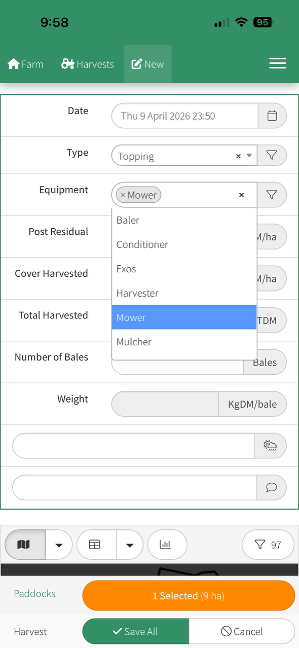
The New Harvest window will open
-
Enter the details of the new Harvest
-
Click on Save All when you are happy with the details you have entered.
-
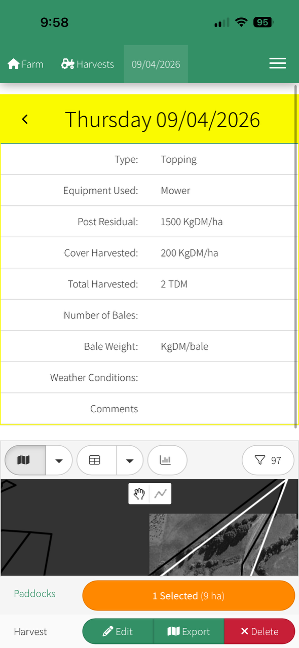
The next screen will show you a summary of the Harvest that you just saved where you can Edit, Copy, Delete.