Skip to content
English
  • There are no suggestions because the search field is empty.

How to Reinstate a Retired Paddock

You would reinstate a paddock if it becomes operational again and you need to resume recording activity against it. Common reasons include: returned to grazing after being temporarily removed from the rotation, land use reversed after a short-term repurposing,  administrative error — it was retired accidentally.                                                                             

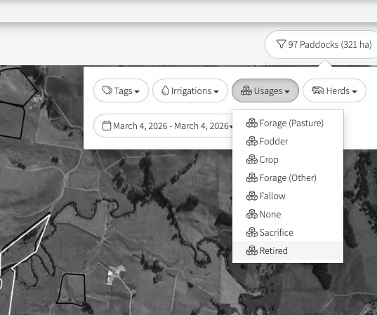
  1. Go to the filter to the right just above the map
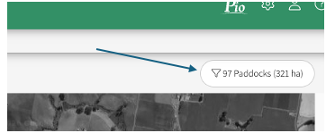
     

  2.  Select Usages 

  3.  From the drop-down, select Retired 


  4. You will then see the Retired paddock(s).

    (To see the Code make sure you have Map:Labels:Code selected)
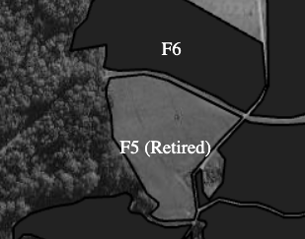


  5. Click on the Retired Paddock

  6. Select Show More Details

  7. Select Reinstate

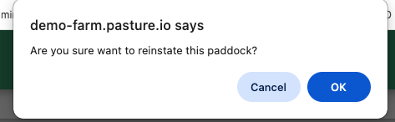
  8. From the pop up window, select OK


You will start getting readings for the paddock once you have a new satellite image


Helpful tips How to retire a Paddock