
-
Open up the Grazings tab
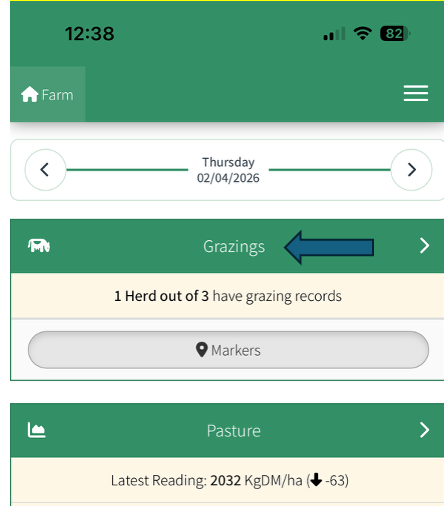
-
Select the herd and feed slot
-
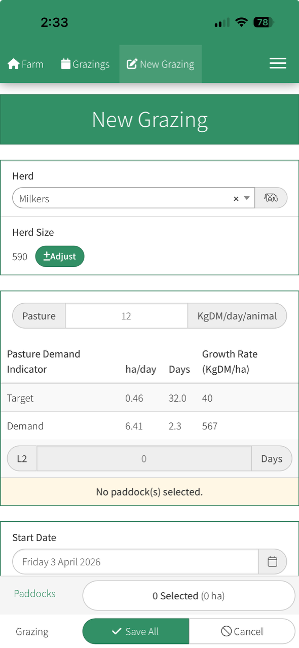
A “New Grazing” window will open
-
Enter the kg/DM/day/animal
- Select the date range if grazing for more than the one feed slot
-
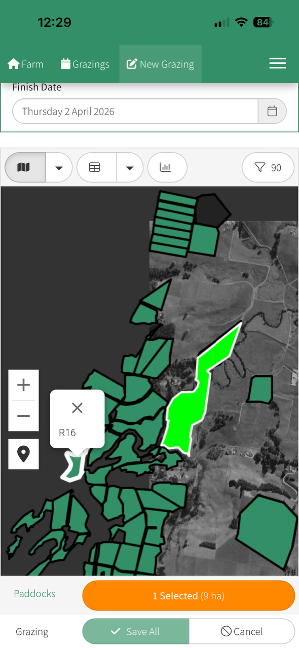
Scroll down to the map
-
Click on the paddock
-
Click on Select
(You can select more than one paddock by repeating steps 7 and 8)
- Save All
How to Enter Grazings from your Phone video