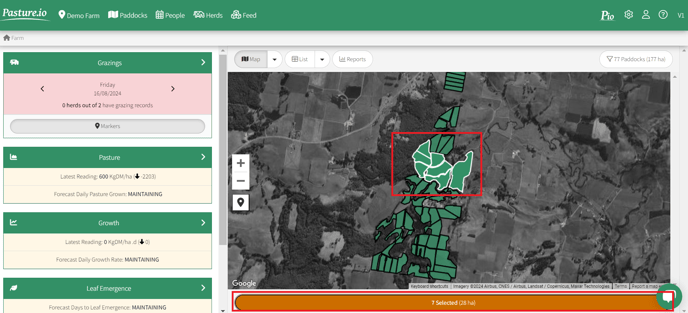
1. Select the relevant paddocks from the map. Note you can hold the SHIFT key. Then press the orange button below the map.
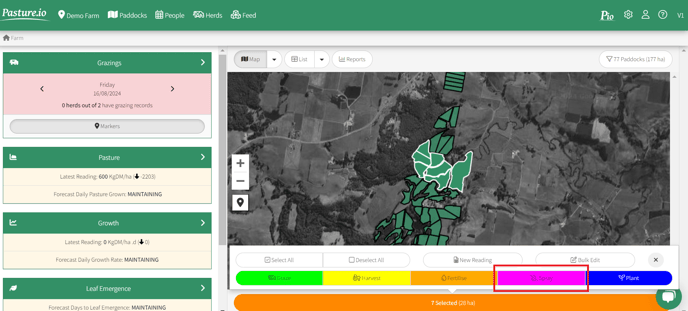
2. Click the pink SPRAY button.
3. If this is the type of spray prior to planting (i.e. the paddock is going to be the colour of soil or dead matter), you must set a SATELLITE DELAY. This mitigates against the issue of soil reflectance, which can mess up your readings.
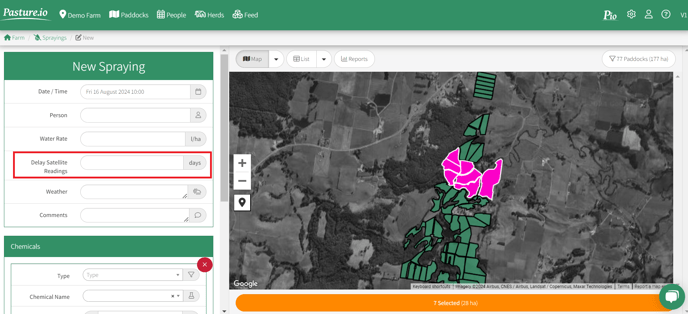
4. Enter the the details of the spray. Note the withholding will place a pink outline the paddocks on the map and in the feed wedge for the duration of the withholding.
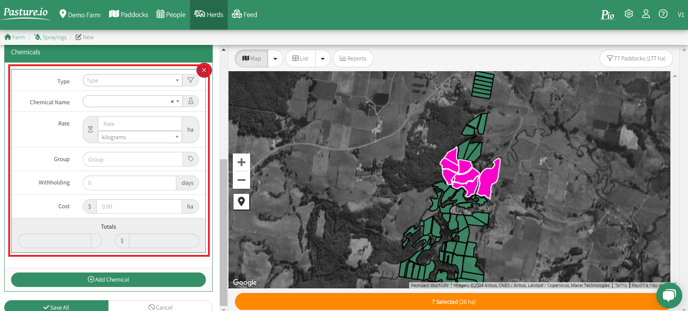
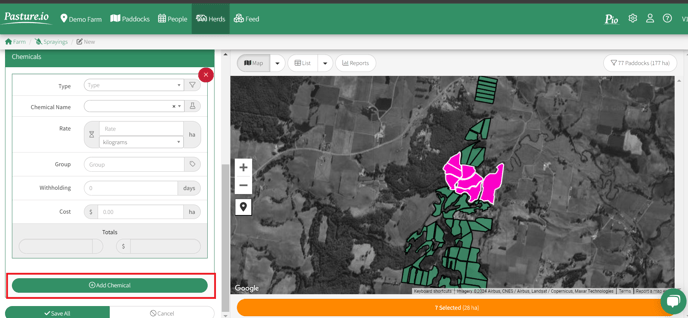
5. If you're mixing chemicals for the spray, you can click ADD CHEMICAL to record the additional chemicals.
Save All.