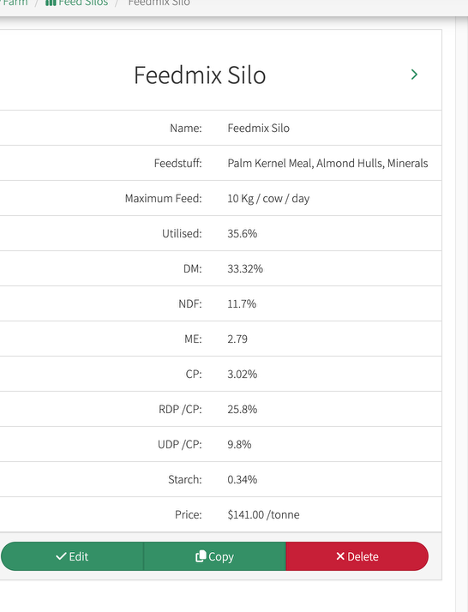
To Create a New Silo
-
Click on the green Tab at the top right of your screen
-
In the new window to the Left of your screen
- Give your silo a name
- Utilised
-
Maximum Feed (per animal per day)
-
Click on Add Feedstuff (if Feedstuff not listed, you will need to create a new Feedstuff).
-
Enter the Name of the Feedstuff and the % of it in the mix
Repeat this until you have all your Feedstuffs entered
-
The Feed Mix Total should add up to 100%
-
Save All
-
Once you have saved all you will see the Nutritional values will have be populated from the Feedstuff created under the Feedstuff tab