
-
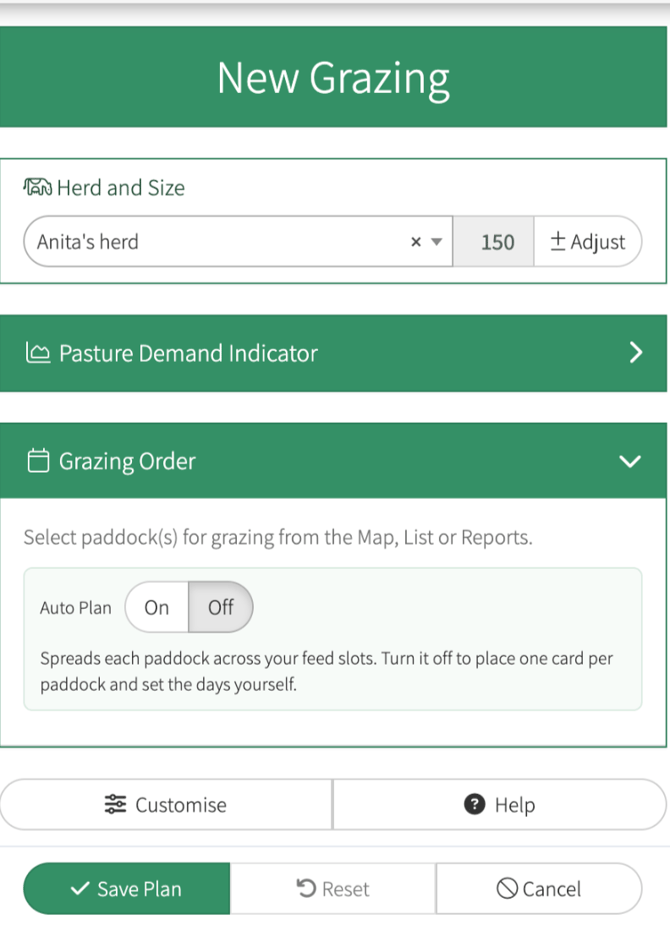
Select your herd
- Adjust herd size (if required)
-
Select Paddock
-
The paddock will now be allocated to one feed slot only
- If you are wanting to split a paddock, you can still use the + symbol on your feed card to create a new feed card and drag it onto another feed slot, or by dragging the card down, you can drop the card into a feed slot for the following day
-
Customise with feed/nutrition (if required)
-
Save Plan
This short YouTube video will demonstrate the above
How to enter a simple grazing